
How to Search Jefferson County Court Records
Jefferson County offers several official routes. The Tyler Enterprise Justice portal, also called the Odyssey Online Portal, is the main case system, and some features need a registered account. The District Clerk posts free yearly index pages for civil, criminal, and family district cases. The County Clerk runs a Cloud Search for official public records and county clerk indexes. Each tool covers a different slice of Jefferson County court records, so match the case type to the right office before you search.
Have a few facts ready first. A full party name is the floor. A case number or a filing year speeds things up. The District Clerk index pages list the date the page was built and the date of the data, so a brand-new case may not appear yet.
The County Clerk Cloud Search, shown below, handles official public records and is linked from the Jefferson County Clerk Cloud Search portal.
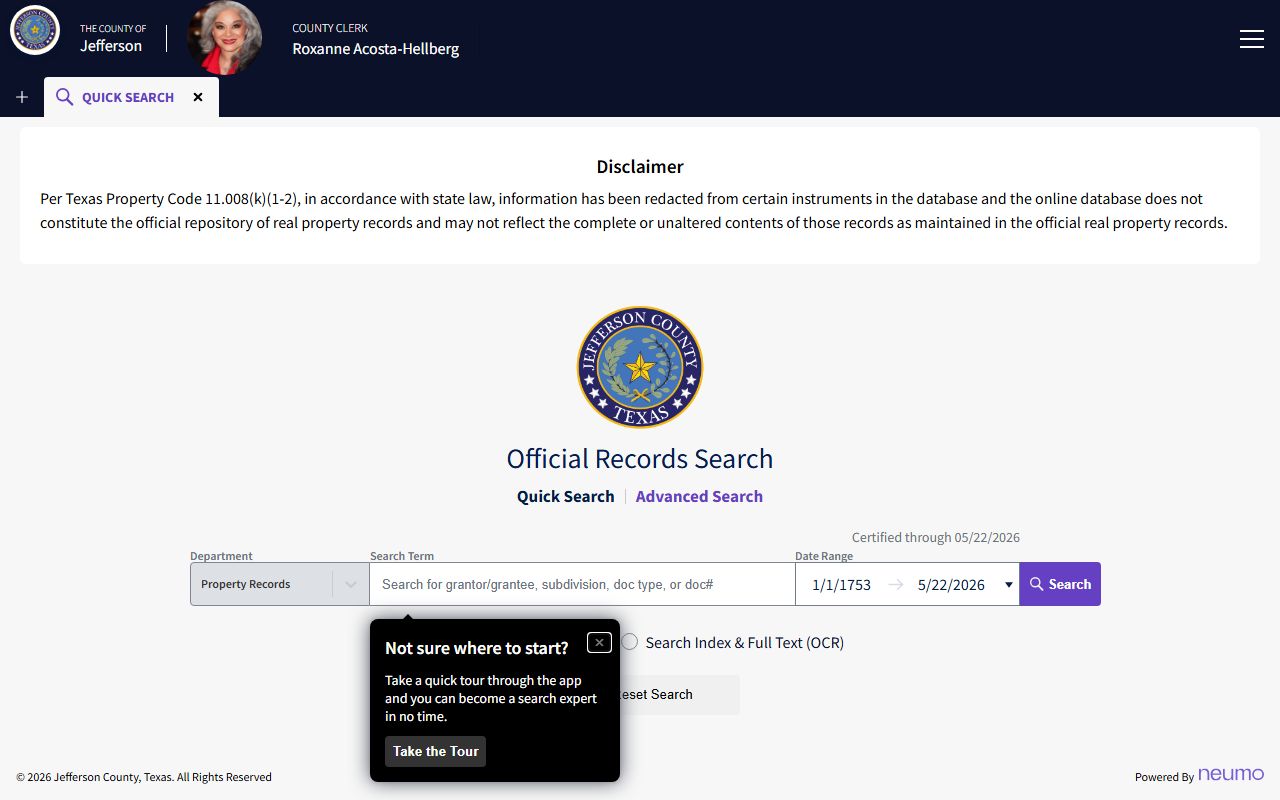
Registration is free, and you can download unofficial watermarked images at no cost. The steps below work for most Jefferson County court records searches.
- Pick the clerk: District Clerk for district court, County Clerk for county court and public records.
- Open the matching index or portal and enter a party name or case number.
- Set a date range or filing year to narrow the list.
- Open the case or document entry to read the details.
- Request a certified copy from the clerk if you need a record for court.
Jefferson County Court Records Search Fields
The District Clerk index pages are static yearly lists, not a live form. You pick a record type, choose a year, and then use your browser find tool to spot a name or case style. The County Clerk Cloud Search is a true search form with a term box, a date range, and a scope choice. The table maps the District Clerk index fields you will work with.
| Field Label | Type | Required | Notes / Format |
|---|---|---|---|
| Year | Link table | Yes | Civil, criminal, and family pages list year links back to historical years. |
| Case style page | Linked HTML | After year | Opens a name/style index for the chosen year. |
| Browser find | Browser tool | No | Static pages have no search box; use find to locate a party name. |
| Exclusion notice | Notice | n/a | Sealed, juvenile, and security cases are left out. |
Types of Jefferson County Court Records
Jefferson County court records span many case types. District courts produce felony files, large civil suits, and family cases like divorce and child support. County Courts at Law produce Class A and B misdemeanor files and smaller civil suits. The County Clerk holds probate, marriage, and official public records. Justice and municipal courts handle evictions, small claims, and fine-only tickets.
Which court makes the record decides which clerk keeps it. The list below sorts the main groups.
- Felony criminal - district court files held by the District Clerk.
- Misdemeanor criminal - County Courts at Law Nos. 2 and 3, kept by the County Clerk.
- Civil - large suits in district court; county-civil in County Court at Law No. 1.
- Family - divorce, custody, and support filed with the District Clerk.
- Probate - estates and guardianships through the County Court and County Clerk.
What Jefferson County Court Records Show
Open a Jefferson County court record and you see a set of fields that track the case from filing to judgment. Case numbers carry a year and a court code, like 25DCCV0087 for a district civil suit or 25CCCR2034 for a county criminal case. A docket entry shows the hearing date, the type of setting, and the attorneys. The District Clerk civil index, shown below, is linked from the District Clerk civil index page.
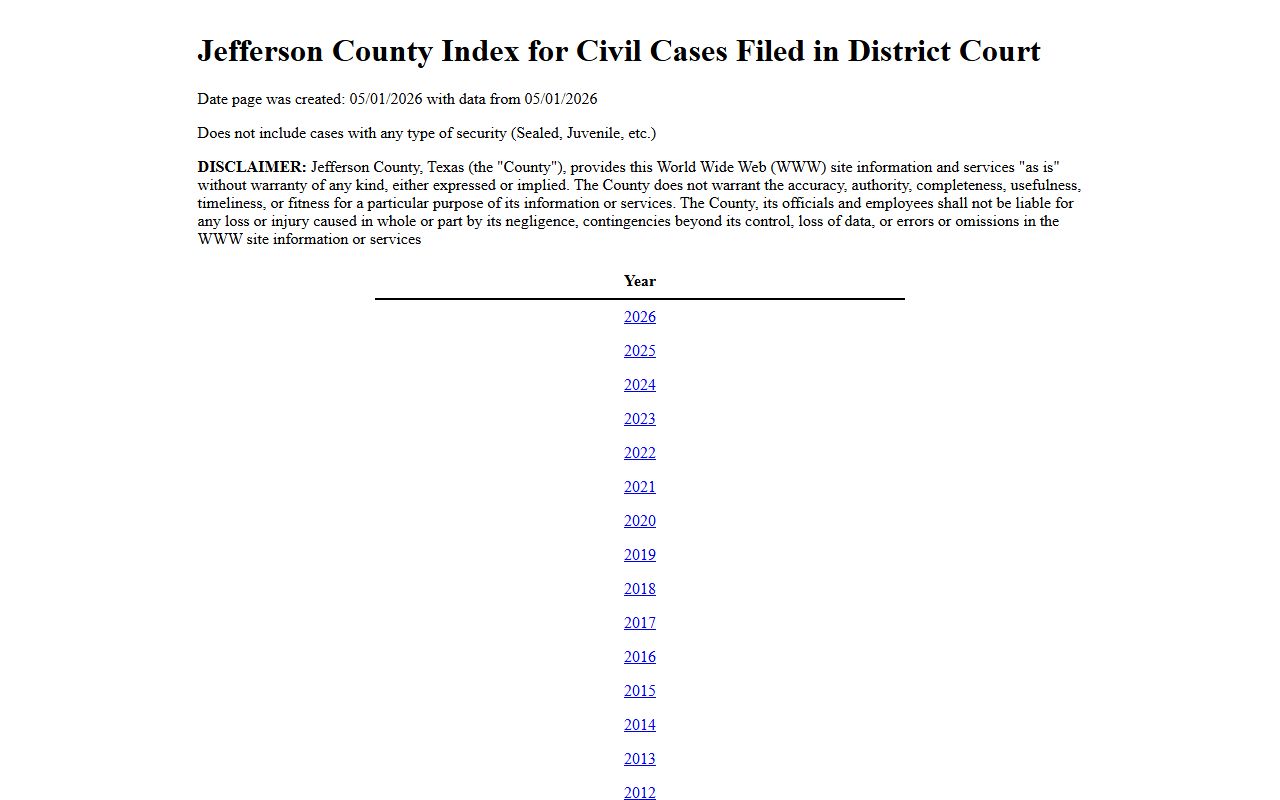
The index landing page shows the build date, the data date, and a notice that secured cases are left out. The table lists the common fields inside a full Jefferson County court record.
| Field | What It Shows |
|---|---|
| Case Number | Year plus court code, such as 25DCCV for district civil |
| Case Style | Party names, like plaintiff versus defendant |
| Filing Date | When the case opened with the clerk |
| Parties | Plaintiff, defendant, petitioner, or the State |
| Hearing | Date, time, type, and attorneys from the docket |
| Disposition | Outcome, such as disposed, dismissed, or pending |
Online Coverage Dates for Jefferson County Court Records
Not every Jefferson County court record reaches back the same number of years online, and not every record type shows images. The County Clerk's locate-a-document page is candid about this. Index data, which lets you confirm a case exists, reaches far back for several record types. Document images, the scanned pages themselves, are mostly limited to official public records. For older county court images, you request a copy from the clerk by record number.
The table lists how far back each index runs online and whether images are posted. Use it to judge whether a record is likely to appear in a Jefferson County court records search before you spend time looking.
| Record Type | Index Online From | Images Online |
|---|---|---|
| Official Public Records | January 1983 | Yes, 1983 to present |
| Misdemeanor | August 6, 1951 | No, request a copy |
| Civil | February 8, 1979 | No, request a copy |
| Probate | October 1, 1988 | No, request a copy |
| Marriage | November 4, 1837 | No, request a copy |
Court case data is refreshed three times a day, while official public records update throughout the day as documents are recorded. If a record does not appear and you believe it should, call or email the County Clerk and ask staff to check by record number.
Public Access Framework for Jefferson County Court Records
Texas opens most government records under the Public Information Act, found at Texas Government Code Chapter 552. Court case files follow a different track. They are governed by court rules, common-law access, and sealing orders, while Texas Rule of Judicial Administration 12 covers judicial administrative records. That split is why the District Clerk can post free indexes yet still leave secured cases out.
Who can ask? Almost anyone can view open records. Fees apply for copies, and the clerk redacts items like Social Security numbers before release.
Note: A blank index result does not always mean no case exists, since sealed, juvenile, and security cases are removed from public Jefferson County court records indexes.
Records That Are Sealed or Confidential in Jefferson County
Some Jefferson County court records are closed by law. Juvenile cases fall under Texas Family Code Chapter 58 and are kept out of public indexes. Sealed civil records require a court order under Texas court rules before anyone can view them. Adoption files are confidential. Mental health commitments heard through the County Court are protected. Grand jury work stays secret.
To clear or hide a criminal record, Texas uses two tools. Expunction under Code of Criminal Procedure Chapter 55 destroys eligible files. An order of nondisclosure under Government Code Chapter 411 only blocks public release. To view a sealed record, a party usually must petition the court that sealed it.
In-Person Court Record Requests
You can also get Jefferson County court records in person. The District Clerk sits in Room 203 of the courthouse in downtown Beaumont and handles district court files. Bring a case number or party name, and bring payment for any copies. Office hours run Monday through Friday during business hours.
Jefferson County District Clerk
1085 Pearl Street, Room 203
Beaumont, TX 77701
409-835-8580
Mon-Fri 8:00 a.m.-4:30 p.m.
You can also request copies by mail or email. The County Clerk asks for the record number and accepts a cashier's check, money order, or business check made out to the Jefferson County Clerk. Plain copies run $1.00 per page, and a certified copy adds a $5.00 certification fee. Mail requests go to the Jefferson County Clerk, P.O. Box 1151, Beaumont, TX 77704-1151, and the office will tell you the total before it sends the record.
Federal Court Records for Jefferson County
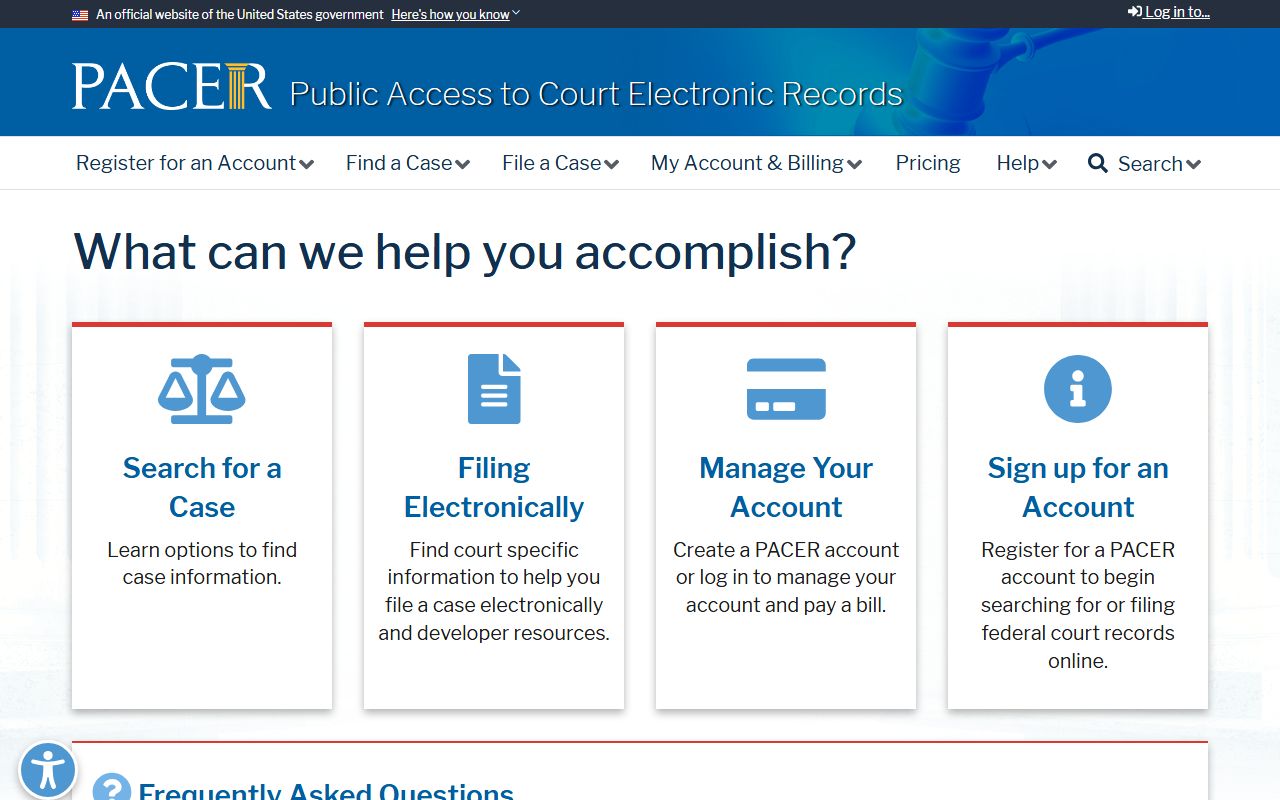
Some cases never touch the county courthouse. Jefferson County sits in the Eastern District of Texas, so federal crimes, federal civil suits, and bankruptcy run through federal courts. PACER is the official system for federal district, bankruptcy, and appellate records, shown below and linked from the PACER federal records portal.
Federal appeals go to the U.S. Court of Appeals for the Fifth Circuit. These federal files are separate from Jefferson County court records and use their own search and fee rules.